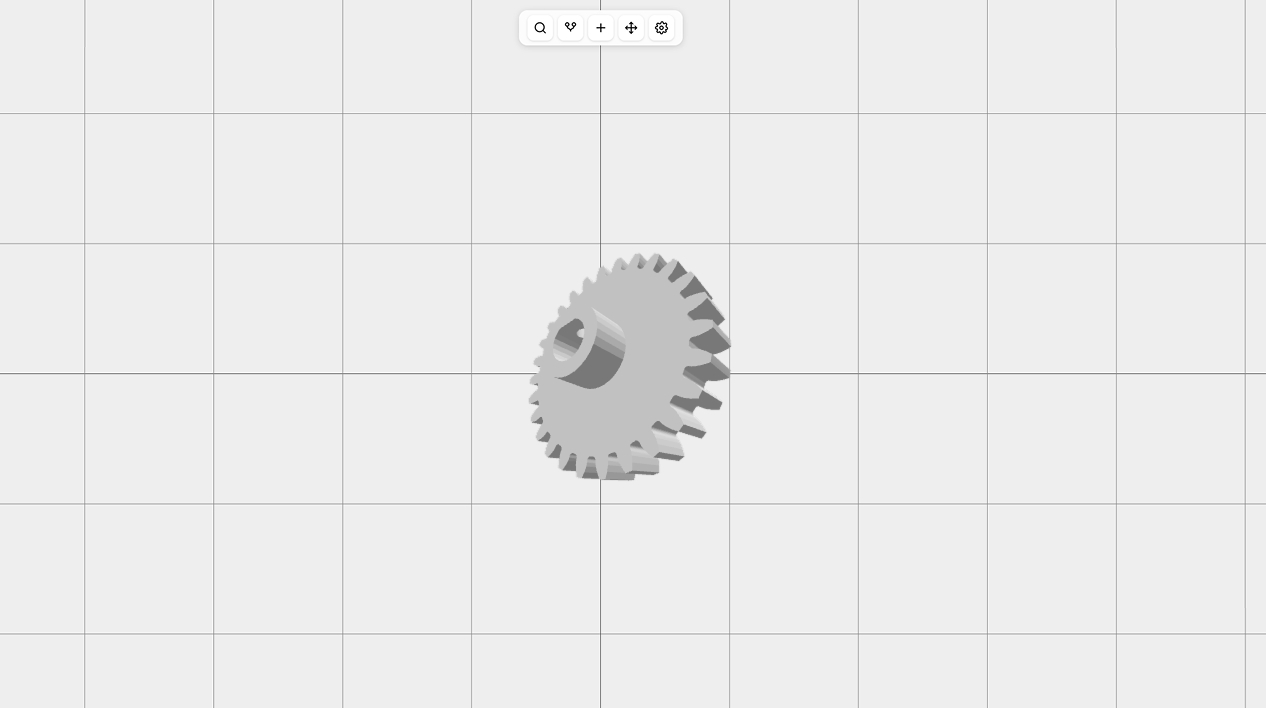
In this post, I will tell you about one of the most interesting features in BricoCAD—dynamic values, also known as expressions in FreeCAD and other CAD applications. The main idea behind these values is to make your designs flexible and editable by users, especially if you want to embed your CAD design on a website, blog, or CMS.
Let’s look at a simple example. Suppose you sell furniture (for example, a table) and you want to let users change the table height and tabletop thickness. Each time a client places an order with custom parameters, you would normally need to open your CAD app and manually update many related values to generate a preview and export a drawing for manufacturing. But imagine you could simply open your CAD app, change only two fields (table height and top thickness), and have all other related values automatically update based on formulas you defined—such as hole depth = 0.5 × top thickness.
BricoCAD allows exactly that. You create formulas and set values (similar to a spreadsheet), and when you modify a parameter (width, height, thickness, etc.), all dependent values are recalculated automatically. You instantly get a model with updated dimensions. You can even share the CAD file so users visiting your website can adjust values like width, height, and thickness and see a live preview without writing code.
Expressions exist in almost all CAD apps, but they’re usually hard to work with and very limited. In BricoCAD, we believe expressions (dynamic values) should be a core feature of a CAD app because they make parts flexible, maintainable, and easy to update without breaking anything. In many cases, expressions work far better than constraints because you decide how your geometry adapts, not the CAD app. (If you didn’t know, when you create a constrained sketch, the CAD system decides how to update the sketch using algorithms that often behave unpredictably.)
Based on our experience with other CAD apps (FreeCAD, Onshape, Shapr3D, Fusion 360) and with generating parts using code, we built BricoCAD’s expression system around several ideas:
- Human-friendly expressions (e.g.,
width = height * 2.5) - Named global parameters with a clean UI (no spreadsheet views like in FreeCAD)
- Safe references that don’t break when geometry is renamed
- Live preview updates (instant recompute)
- Public parameters for sharing 3D models online with sliders and number inputs
- Formula autocomplete, documentation, and clear error messages
- Support for script-based designs, ideal for complex parts like gears
Sounds great? Try it in the browser now. No account, no credit card, no download—just click Open App on the home page at bricocad.app.
As usual, feel free to send your feedback and ideas to hey@bricocad.app.