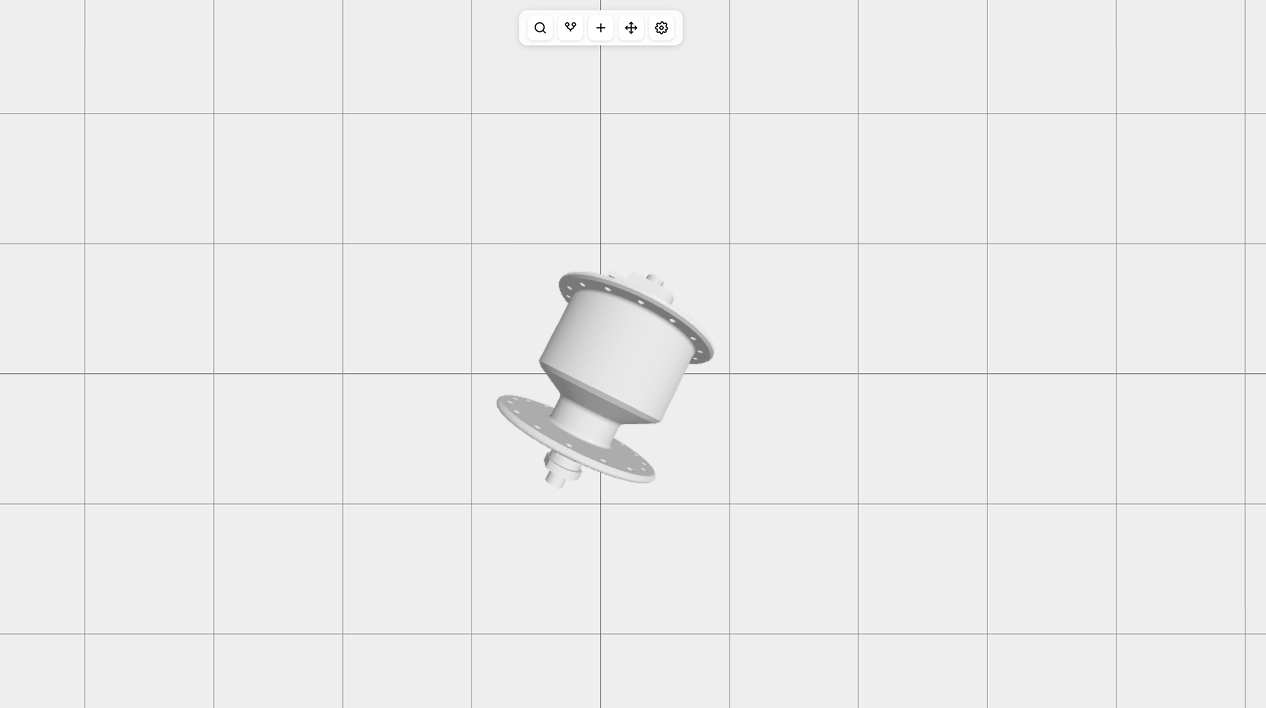
The Ideal CAD Workflow for 3D Printing and Why We Decided to Build a New CAD App
If you’ve ever tried to design something simple for 3D printing and ended up fighting your CAD software instead, you’re not alone. As makers, engineers, hardware designers, and people who work a lot with kids, we kept bouncing between FreeCAD, Shapr3D, Onshape, Fusion 360 (and a bunch of others), hoping one of them would give us the perfect print-first, simple, and kid-friendly workflow, but we still cannot find a tool that provides all those things together.
This post explains what we think the ideal 3D-printing workflow should feel like—and why we decided to build our own web-based CAD app designed for 3D printing from scratch.
What We Don’t Like Most in Today’s CAD Tools
To be honest, most CAD apps available on the market aren’t bad—they’re excellent in many ways, and designers and engineers can build really amazing things with them. We’ve worked with many CAD apps while designing commercial and hobby projects, and before talking about our ideas for our own CAD app, I would like to share a few limitations and issues of the different CAD apps we’ve worked with.
FreeCAD
We love the idea of FreeCAD: open-source, flexible, customizable. But in practice:
- One tiny edit can implode the entire feature tree. In the current version the workflow became much, much better, but still.
- Each workbench feels like a different experimental project.
- Stability can be… unpredictable.
- Models that look fine often slice as non-manifold nightmares.
We want to love FreeCAD because the community spends a huge amount of time on development, but when you have very limited time, FreeCAD isn’t the best choice. Every time we try to use it for rapid prototyping, it ends in frustration.
Shapr3D
Shapr3D is gorgeous and surprisingly fun to use—especially on tablets. But:
- The subscription pricing is steep for hobbyists.
- Touch-first workflows sometimes make precision editing awkward.
- Advanced modeling tools hit their limit quickly.
- Very slow when the project becomes a bit bigger, even on new laptops.
Shapr3D has the most modern and clean UI, but it’s not always deep enough for print-heavy, tolerance-sensitive designs.
Onshape
We worked a lot with Onshape and built really complex parts with it, but:
- The always-online requirement is tough when you don’t have internet or the connection is not stable—like in the Alps—and almost every time when you want to make something during a trip.
- Performance varies depending on your connection and model complexity.
- The free tier requiring public designs is a non-starter for many.
- The interface still feels like traditional engineering software.
- Vendor lock-in—everything is saved somewhere in the cloud in a proprietary format.
Great for collaboration; not ideal for rapid, iterative tinkering and unstable internet.
Fusion 360
Fusion is extremely capable and widely used. But it’s also:
- A huge, heavy application that tries to do everything.
- Slow to start and occasionally sluggish to operate.
- Prone to confusing licensing changes.
- Missing strong mesh tools, which are crucial for 3D printing.
Great for large enterprise, slow engineering projects—less so for a quick hinge or enclosure.
What We Believe a Great 3D-Printing CAD Workflow Should Look Like
After designing hundreds of printable parts, prototypes, and functional parts, we’ve identified the workflow we think CAD should support.
- It should feel effortless to create things.
Sketch, extrude, tweak, apply boolean operations—done. Even kids should be able to build parts. No constraint battles. No cryptic warnings. No “over-defined sketch” messages.
- Iteration should be ridiculously fast.
3D printing is basically: Design, Print, Realize something doesn’t fit, Curse, Reprint. So CAD should let you adjust a tolerance or tweak a feature quickly, without wasting hours.
- The software should actually understand 3D printing.
We want CAD that proactively checks for:
- Thin walls
- Unsupported overhangs
- Weird self-intersections
- Non-manifold edges
- Tolerance issues
- Orientation weaknesses
These problems shouldn’t wait to ambush you in your slicer.
- Exporting should just work.
Click export → get a clean, watertight STL or 3MF. No mesh-fixing. No scaling surprises. No repairing geometry in third-party tools.
Exporting should be the most boring part of the workflow—in a good way.
- It should connect naturally with the print workflow.
Ideally:
- Re-export only changed parts
- Share tolerances and printer profiles
- Batch slicing
The path from idea → CAD → printer should be smooth and fast.
Why We’re Building a New CAD App
Because after years of using every tool available, we wanted something that didn’t exist yet: a CAD tool built from the ground up for 3D printing. Here’s what we’re aiming for:
- A simple, clean, modern interface with an intuitive workflow: We believe everyone can create with CAD because it doesn’t have to be complicated—yet many apps overcomplicate basic tasks. BricoCAD will be easy enough to use even for kids.
- Very fast and easy prototyping and design: You can create solids from scratch (start with a sketch or shape and add volume), or use predefined parametric solids such as gears—objects that are difficult to build manually but easy to generate procedurally.
- Hybrid direct + parametric modeling for maximum flexibility.
- Dynamic values with formulas: For example, a length can be defined as 3 × another length. Changing any value automatically updates all dependent dimensions. (FreeCAD has this, but not very flexibly.)
- Shareable and embeddable 3D parts/scenes with configurable parameters: For example, you can share a table model and let users adjust its height, width, and length with a live preview. BricoCAD will support this natively.
- Always-manifold geometry pipeline so exports are automatically slicer-safe.
- Built-in print awareness: wall-thickness checks, tolerance tools, and orientation previews.
- Fast iteration loops — small edits shouldn’t take hours.
- Offline-first design — because creativity shouldn’t depend on Wi-Fi.
There are plenty of excellent CAD tools out there. But none of them are truly designed for the rapid, experimental, “print it and see what happens” workflow that makers live in. So we’re building a tool for ourselves that embraces that world—a CAD app built by people who design, print, tweak, and print again, all day long.
Feel free to contact us if you have any questions or ideas at hey@bricocad.app.